 how-to
Why Is My Solar Panel Efficiency Dropping?
Last Updated: November 9, 2026
Quick Summary
Solar panel efficiency usually drops because of dirt, shade, summer heat, or a system fault, and most causes are easy to check. Start by comparing your current output with the same month in past years. A sustained drop of 10% or more on clear days deserves a closer look.
- A drop of a few percent is normal, but a sustained drop of 10% or more on clear days needs investigation.
- Check your monitoring app for error codes and compare today's output with a similar clear day last month.
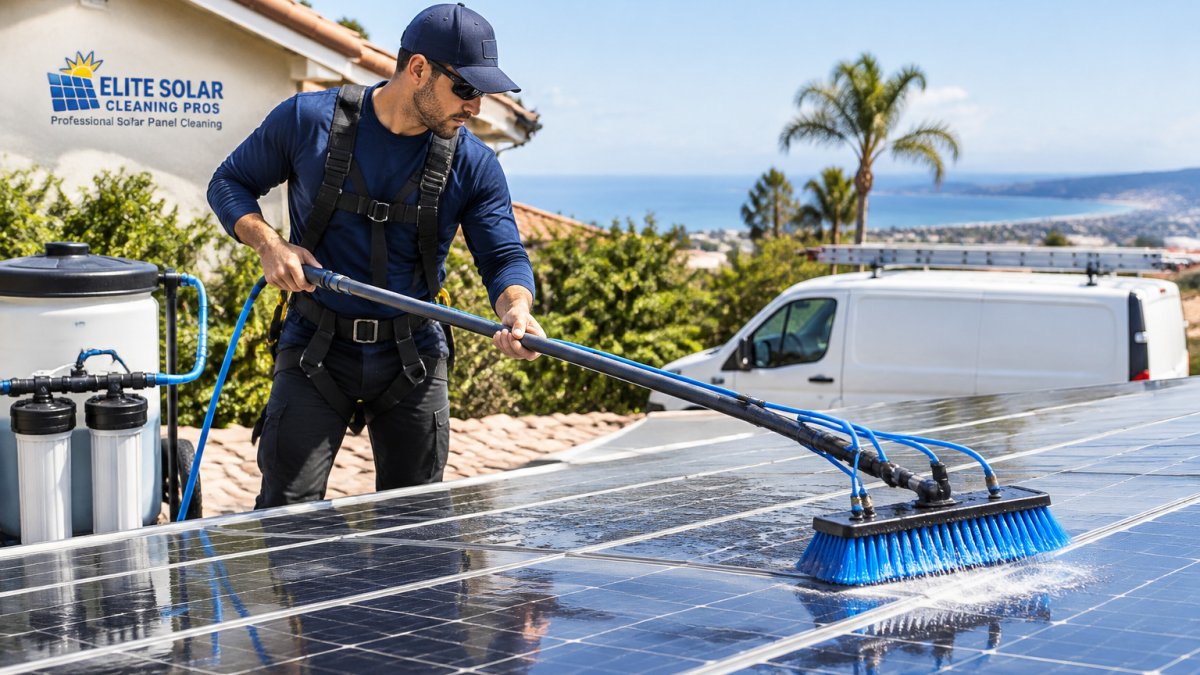
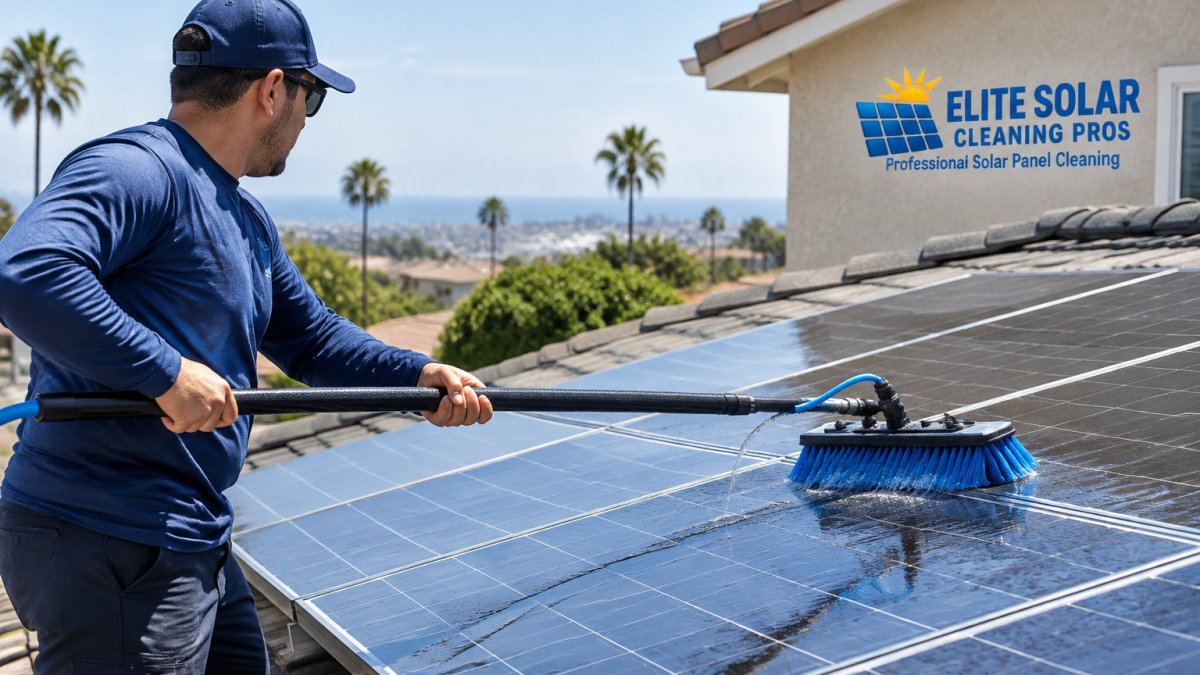
- Dirt is the most common fixable cause, and regular cleaning with DI water restores lost output.
- Never pressure-wash panels or use abrasive pads, since high pressure can crack glass and damage seals.
- Stop and call a licensed installer before opening the inverter, replacing connectors, or touching live DC wiring.
Table of Contents
- Why Are My Solar Panels Not Producing Enough Power?
- Solar Panel Troubleshooting Checklist: Start With the Simple Checks
- Solar Panel Problems and Solutions: Dirt, Shading, Seasonal Dips and Degradation
- Solar Panel Inverter Troubleshooting: Micro-Inverters vs. String Inverters
- Reading Your Monitoring App: Which Drops Are Normal and Which Need Action
- Deciding Between a DIY Fix and a Professional Visit Without Voiding Your Warranty
- Frequently Asked Questions
If your electric bill has crept up or your system seems to produce less than it used to, you probably want to know why. Learn how to troubleshoot solar power drops during heatwaves in this guide.
Start by comparing your current output to your own history. Your monitoring app or inverter display usually shows daily and monthly production. Compare the same month across years, since sunlight changes with the seasons. A drop of a few percent is normal.
A common mistake is judging by the bill alone. Rate changes, new appliances, and usage shifts can all raise your bill without any problem with the panels. Check production data first.
Solar panel efficiency is the share of sunlight a panel turns into usable electricity. Panels rated for a certain output lose a small amount of that efficiency each year as part of normal aging.
Watch out: Do not open the electrical box or touch wiring while the system is live. Solar circuits can carry high DC voltage even in daylight.
Why Are My Solar Panels Not Producing Enough Power?
Most output drops come from one of four causes: dirt, shade, heat, or a fault in the system. Dirt is the most common and the easiest to fix. Dust, pollen, bird droppings, and salt residue can block sunlight from reaching the cells. Check visual and data-based signs that confirm soiling. Even a thin film can cut output noticeably on a clear day.
Shade is the next most likely cause. A new tree branch, a neighbor's structure, or a vent placed in the wrong spot can shade part of a panel. Because panels in a string are linked, shade on one panel can pull down the output of the whole string.
Heat also reduces output. Panels produce less power as they get hotter, so summer afternoons can show lower numbers even when everything works well. Understand why solar output drops in summer and how heat and inverter de-rating reduce yield. This is normal behavior and does not mean something is broken.
Finally, a faulty component can cause a real drop. Inverters, connectors, and wiring problems can reduce production, and some faults show up as error codes in your app.
- Dirty panels: visible film, uneven output between panels
- Shade: drops at the same time each day, certain panels underperform
- Heat: lower output on the hottest days only
- System fault: error messages, sudden drops, or a stopped inverter
Solar Panel Troubleshooting Checklist: Start With the Simple Checks
Work through the easy checks before you pay for a service visit. Most homeowners can complete the first steps safely from the ground with binoculars and a phone.
- Check your monitoring app for error codes or alerts
- Compare today's output to a similar clear day last month
- Look at the panels from the ground for dirt, debris, or shadows
- Confirm the inverter display shows normal operation
- Check that your breakers and disconnects are in the on position
Testing Voltage and Current at the Panels
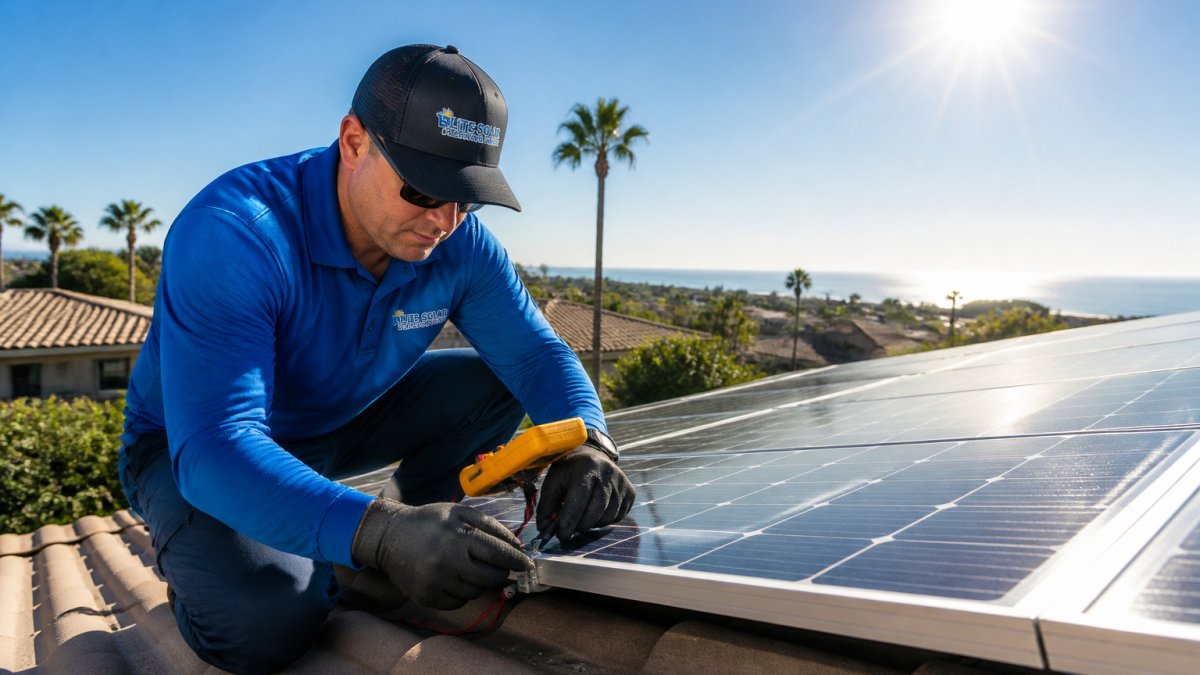
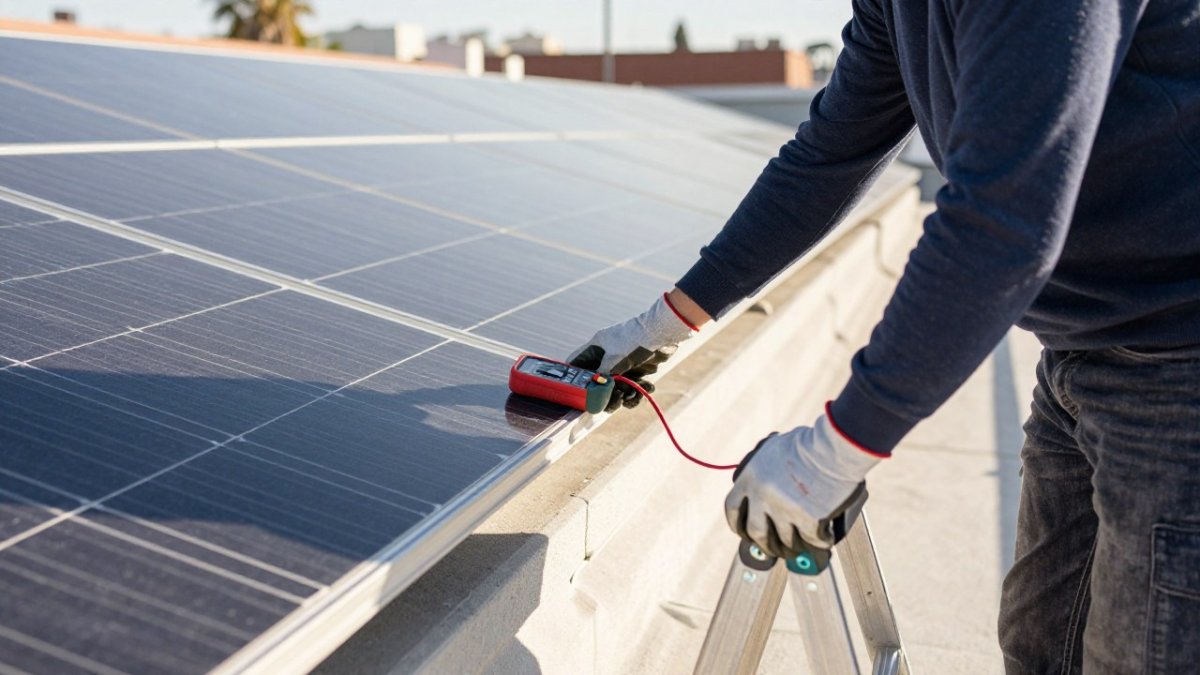
Measuring voltage and current can show whether a panel or string is performing as expected. This step needs a multimeter rated for DC solar work. Open-circuit voltage (Voc) and short-circuit current (Isc) are the two readings that matter most.
Only test at the panel connectors or the combiner box if you have training and the right safety gear. If you are unsure, skip this step. A licensed technician can take these readings safely in a few minutes. Record the numbers, then compare them with the panel datasheet values.
Checking Wiring, Connections and Physical Damage
Look for loose connectors, discolored wires, or chewed insulation on any accessible wiring. Microcracks are easy to miss, so learn the signs of solar panel microcracks and how to spot them. Rodents and birds sometimes damage wiring in roof spaces. Check for cracked panel glass and look for microcracks, which can appear as thin lines or dark spots. Microcracks can reduce output over time, and they can also affect warranty claims.
If you find physical damage, stop there and call a professional. Do not try to repair wiring or connectors yourself.
Solar Panel Problems and Solutions: Dirt, Shading, Seasonal Dips and Degradation
Dirt is the most common fixable problem. See how much soiling can cost in output and how often to clean. Soiling can noticeably reduce output, especially in dry climates where dust builds up between rains. Regular cleaning restores that lost output.
Shading needs a different fix. Trim vegetation, relocate objects, or ask an installer whether a microinverter or optimizer could reduce the impact of partial shade on your array.
Seasonal dips are normal. Shorter days and lower sun angles reduce winter output, and summer heat lowers efficiency on the hottest days. Compare the same month year over year before you assume a fault.
Degradation happens slowly. Most panels lose a small share of their capacity each year. If your output falls faster than the warranty allows, contact the manufacturer or installer.
Watch out: Never pressure-wash panels or use abrasive pads. High pressure can crack glass and damage seals, and some warranties exclude that kind of damage.
The main causes of a drop in output, and how each one is usually handled, are summarised below.
| Problem | Cause | Fix |
|---|---|---|
| Dirt | Dust, pollen, droppings and residue block sunlight | Regular cleaning with DI water |
| Shading | Trees, nearby structures or vents cover part of a panel | Trim vegetation, relocate objects, or consider a microinverter or optimizer |
| Seasonal dip | Shorter days, lower sun angles and summer heat | Compare the same month year over year |
| Degradation | Gradual capacity loss as panels age | Contact the manufacturer or installer if loss exceeds warranty limits |
| Pressure washing | High pressure can crack glass and damage seals | Do not pressure-wash or use abrasive pads |
Solar Panel Inverter Troubleshooting: Micro-Inverters vs. String Inverters
The inverter converts DC power from the panels into AC power for your home. Its design affects how problems show up.
A string inverter connects many panels in series. If one panel is shaded or dirty, the whole string can drop. Check the inverter display for fault codes, and look at the string-level data in your app if it is available.
A microinverter sits behind each panel. A problem usually affects one panel, not the whole array. In your app, look for one panel reporting much lower output than its neighbors.
For either type, a flashing status light, repeated restarts, or a fault code is a reason to call a professional. Write down the code before you call.
- String inverter: whole-system drop is more likely
- Microinverter: single-panel drop points to that panel
- Both: note any error codes and the time they appeared
Reading Your Monitoring App: Which Drops Are Normal and Which Need Action
Most residential monitoring apps show the same core data: a daily production curve, panel- or string-level output, and an alerts or events log.
Start with the daily curve. A healthy day rises smoothly after sunrise, peaks near solar noon, and falls smoothly to zero at dusk.
Next, compare panels or strings. In a string inverter system, the app may show only whole-system output; in that case you cannot isolate a single panel from the app alone.
Then read the alert log, not just the red banner. Most apps timestamp each event and give a short code. Write down the code, the time, and what the system was doing (producing, idle, restarting).
Watch out: do not clear or acknowledge an arc-fault or ground-fault alert repeatedly to keep the system running.
Save screenshots of the curve, the panel spread, and the alert log before you call anyone. A technician can diagnose in minutes with that record, and it also supports any warranty claim.
Deciding Between a DIY Fix and a Professional Visit Without Voiding Your Warranty
Many residential solar warranties exclude damage caused by improper handling, unauthorized repair, or non-qualified service, so check your own warranty terms.
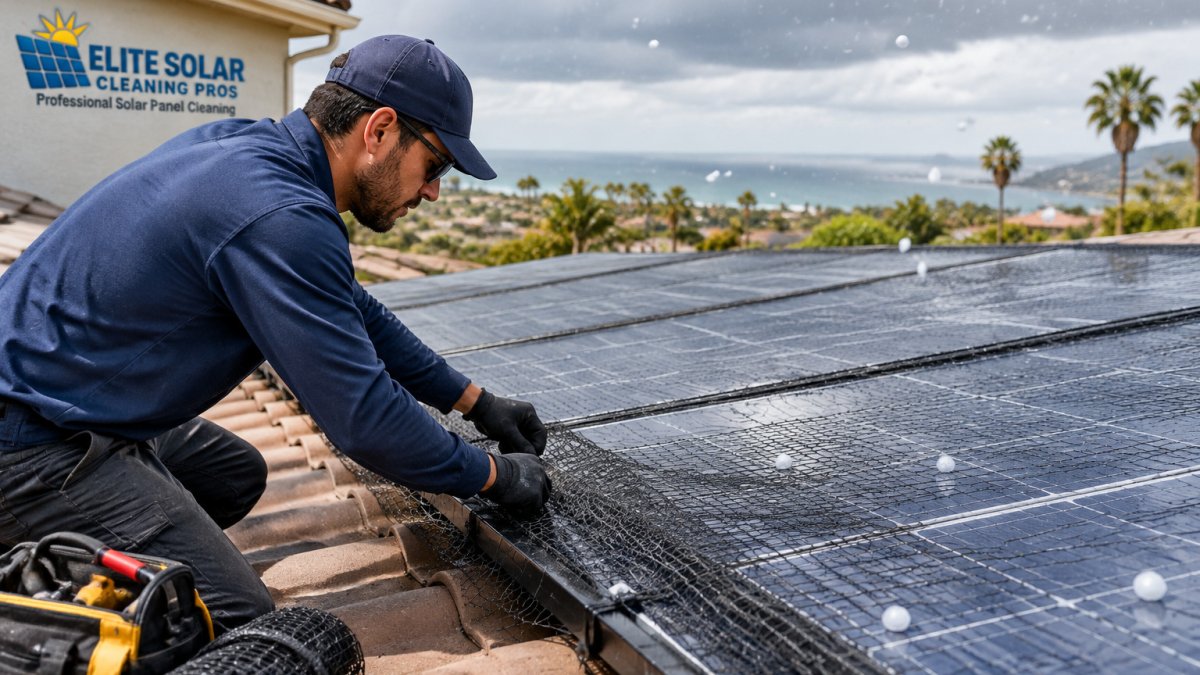
Proceed with caution, and check your warranty first: cleaning with anything other than water and a soft brush, using a pressure washer, walking on the roof, or removing panel trim or critter guards.
Stop and call a licensed installer: opening the inverter enclosure, removing or reseating MC4 connectors, replacing a microinverter or optimizer, working inside the combiner box, replacing fuses in the DC disconnect, or any task that requires touching live DC wiring.
The cost of a service call is almost always smaller than the cost of a denied inverter replacement.
Before any repair, pull your warranty documents and note three things: who is authorized to perform service, what maintenance is required to keep coverage, and what the claim process requires (usually a service record and photos). Keep a simple log of every cleaning, service visit, and alert code with dates. That log is what supports a warranty claim later.
If the checklist points to dirt, a professional cleaning is often the simplest fix and does not put your warranty at risk. Elite Solar Cleaning Pros offers professional cleaning in San Diego using DI water.
Elite Solar Cleaning Pros provides professional solar panel cleaning in San Diego. Contact us for a free quote.
Frequently Asked Questions
What is the 20% rule for solar panels?
The 20% rule is a common sizing guideline that suggests a solar panel system should be able to cover roughly 20% of a home's electricity needs in a given setup, but it is a rough planning heuristic rather than a performance standard. It does not tell you whether a specific system is underperforming. To judge real performance, compare your system's actual monthly production from your monitoring app against the expected output for your panel size, roof orientation and local sun hours. A sustained shortfall of more than about 10 to 15 percent over several sunny weeks is a stronger signal that something needs investigating.
Can dirt or debris reduce solar panel output?
Yes. Dust, pollen, bird droppings and leaves can block sunlight and reduce output, and a partially shaded cell can disproportionately lower a whole string's production. In dry, dusty conditions, buildup can be noticeable within weeks. Start by looking at the panels from the ground and checking whether output drops on dusty days. If cleaning is needed, use a soft brush or a deionized water rinse rather than abrasive tools, and avoid cleaning during the hottest part of the day. Elite Solar Cleaning Pros uses DI water cleaning for homeowners who want a chemical-free, spot-free result, and pricing depends on system size and access, so request a quote for current figures.
What causes solar panels to lose efficiency?
Efficiency loss comes from several sources. Soiling and shading reduce the light reaching the cells. Hot spots and micro-cracks can develop over time and reduce the output of affected cells. Aging causes a gradual decline in output, and manufacturers typically specify an annual degradation rate in the warranty documents. Heat also reduces output as panels warm up on hot days. Most of these effects are gradual, so a sudden drop in production usually points to a fault such as a failed inverter, a loose connection or a damaged panel rather than normal aging.
When should you call a solar technician to troubleshoot a system?
Call a licensed solar technician if your inverter shows a persistent fault code, if you see burn marks or a burning smell near connections, if a string of panels produces zero output, or if your production stays low after you have cleaned the panels and ruled out shading. Also call a professional before opening any electrical enclosure or working on high-voltage wiring, since those tasks carry real shock and fire risk. A professional can also check your warranty terms so that repairs do not accidentally void coverage.