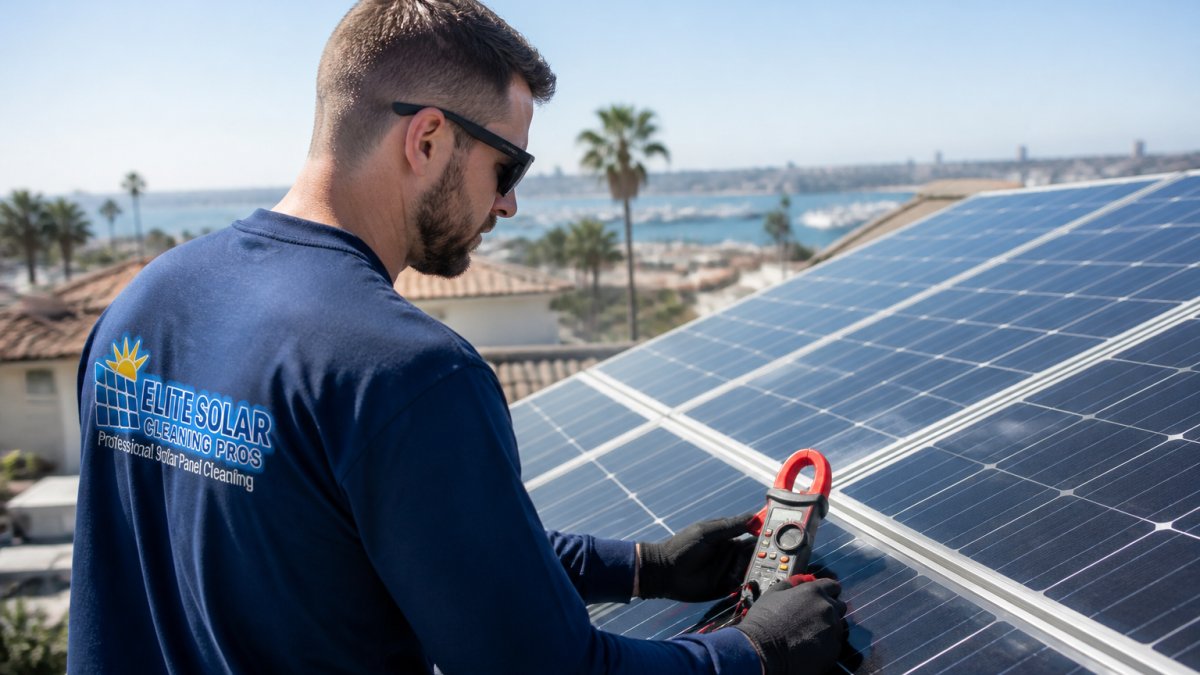
 how-to
Verify Solar Panel Output: A Step-by-Step Guide
Table of Contents
- What You'll Need Before You Start Testing
- Reading Your Spec Sheet: Wattage, Voc, and Isc Explained
- Step-by-Step: Testing Solar Panel Output With a Multimeter
- Using Your Solar Panel Monitoring System to Track Output
- Why Solar Output Drops in Summer: Heat, Irradiance, and Degradation
- Solar Panel Cleaning Benefits: How Dirty Panels Drain Your Output
- When to Call a Professional: DIY vs. Pro Diagnostic Thresholds
- Frequently Asked Questions
Last Updated: September 28, 2026
What You'll Need Before You Start Testing
This guide walks you through verifying solar panel output, from reading your spec sheet to testing with a multimeter.
Solar panel output is a measured value, not a feeling. To check it properly, you need a few basic items on hand.
Here's your checklist:
- A digital multimeter rated for at least 600V DC
- MC4 test lead adapters (most panels use these connectors)
- A clamp meter for reading current without breaking the circuit
- Insulated gloves and safety glasses
- Your panel's spec sheet
- A notepad or phone for logging readings
One common mistake is testing at the wrong time of day. Panels only produce meaningful output in direct sun, so cloudy mornings or late afternoons give readings that look broken when nothing is wrong.
Reading Your Spec Sheet: Wattage, Voc, and Isc Explained
Your spec sheet tells you what your panels should produce under lab conditions. Three numbers matter most for testing.
Wattage (W) is the panel's rated power under Standard Test Conditions (STC): 1,000 W/m² irradiance, 25°C (77°F) cell temperature, and AM 1.5 air mass. A 400W panel should produce about 400 watts in that lab setting, not on your roof in August.
Open circuit voltage (Voc) is the voltage with no load connected. Short circuit current (Isc) is the current when the leads are directly connected.
Understanding Open Circuit Voltage and Short Circuit Current
Open circuit voltage is the highest voltage your panel can produce, in full sun with nothing drawing power. Short circuit current is the maximum current it can push when the leads touch, a safety limit, not a normal operating value.
The Temperature Coefficient Math (The Part Most Guides Skip)
Every spec sheet lists a temperature coefficient of Pmax, the rate at which power output falls as cell temperature rises above 25°C. A common value is -0.30% to -0.40% per degree Celsius for monocrystalline silicon; voltage has its own coefficient (often -0.25% to -0.30% per °C), and current a small positive one.
Derating: Why Your Real-World Output Is Always Below STC
Even on a perfect 77°F day, your panels won't hit nameplate wattage. Losses between the spec sheet and your meter include:
- Soiling, dust, pollen, and bird droppings typically cost 2-7% in normal conditions, more in dry or agricultural areas
- Shading, even partial shade on one cell can cut a string's output disproportionately because cells are wired in series
- Wiring and connector losses, DC wiring, MC4 connections, and cable runs typically cost 2-3%
- Inverter conversion losses, DC-to-AC conversion typically costs 3-5%, which is why inverter efficiency ratings matter
- Mismatch, panels in a string rarely perform identically, and the weakest one drags the group
STC vs. NMOT: Two Ratings, Two Purposes
Many spec sheets also list NMOT (Nominal Module Operating Temperature) or the older NOCT rating, reflecting more realistic conditions: 800 W/m² irradiance, 20°C ambient air, 1 m/s wind, and open-circuit mounting. NMOT wattage is typically 10-20% lower than STC.
Step-by-Step: Testing Solar Panel Output With a Multimeter
Testing with a multimeter takes about 15 minutes per panel. Follow these steps in order.
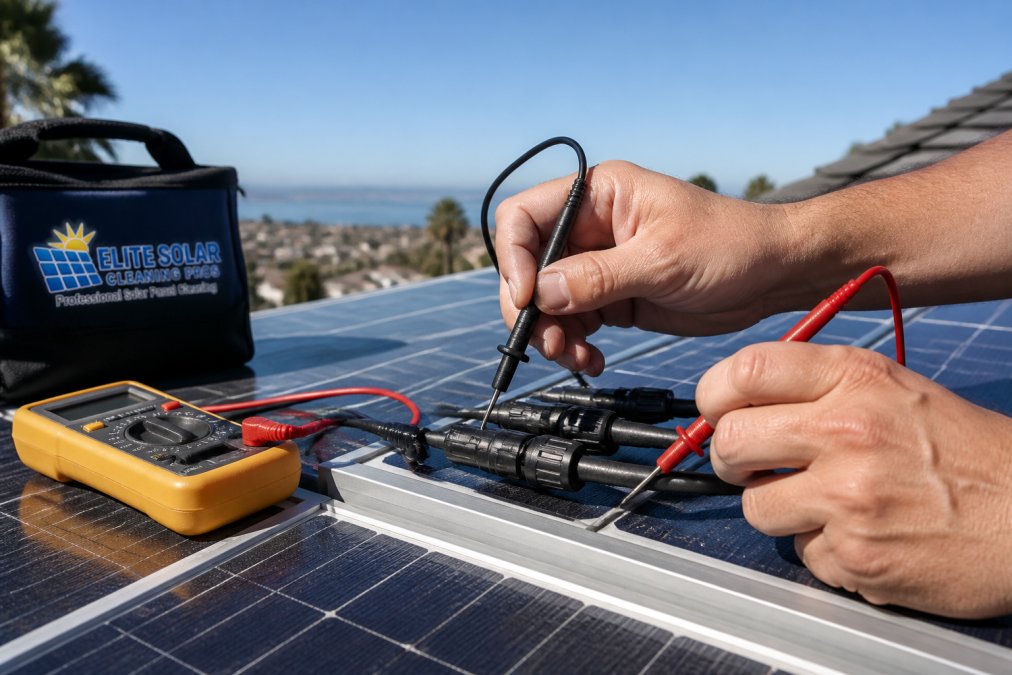
- Shut off the inverter and disconnect the panel string.
- Set your multimeter to DC voltage, range 600V or higher.
- Connect the positive probe to the positive MC4 lead.
- Connect the negative probe to the negative lead.
- Point the panel at full sun and read the voltage.
- Compare the reading to the Voc on your spec sheet.
- Switch to DC current mode and repeat for the Isc reading.
Measuring Voltage and Amperage Safely
Voltage testing is safer. Keep your hands behind the probe guards and never touch both leads at once.
Using Your Solar Panel Monitoring System to Track Output
A solar panel monitoring system gives you daily output data without climbing on the roof, and most modern inverters log production in real time to an app. But the app is only as useful as your ability to interpret it, and that changes with your system type.
What Your Monitoring App Actually Measures
Most residential systems report output in kilowatt hours (kWh) at the inverter, not at the panel. The number you see has already passed through DC wiring, the inverter's conversion stage, and AC-side losses, so a 5% dip in the app might be a 3% dip at the panels, or a 7% dip, depending on where the loss is happening.
Watch for these patterns:
- A slow, steady drop over weeks points to dirt buildup or gradual shading growth (trees, new construction)
- A sudden drop on one string points to a fault, a tripped breaker, or a failed optimizer
- Daily peaks that fall short of past months point to seasonal change, not a fault
- A single flatlined panel in a micro-inverter system points to that panel or its inverter
String Inverter Systems: Reading the Whole-String Picture
In a string inverter system, panels are wired in series, so the weakest panel sets the current for the entire string. Two consequences matter for diagnostics:
- One shaded or dirty panel drags down the whole string. A single leaf-covered panel can cut string output by far more than its own share of capacity.
- The app shows you string-level data, not panel-level data. You cannot tell from the app alone which panel is the problem.
Micro-Inverter Systems: Panel-by-Panel Diagnostics
Micro-inverters sit under each panel and convert DC to AC at the module, which changes how you test:
- Each panel reports independently. Your app shows per-panel production, so a single underperformer stands out immediately.
- You test one panel at a time. There's no string to disconnect as a group, each micro-inverter has its own AC output.
- A dead panel doesn't kill its neighbors. Unlike a string, a failed micro-inverter only takes down its own panel.
Hybrid and Optimizer Systems
Systems using DC optimizers behave like a middle ground: the app often shows panel-level data, but panels are still wired in series. A failed optimizer can isolate its panel without killing the string, though a wiring fault can still affect neighbors. Treat optimizer systems as string systems for safety and as micro-inverter systems for data interpretation.
Setting a Baseline You Can Actually Compare Against
The single most useful thing you can do is record a clean baseline. Pick a clear, cool day within a few weeks of installation and note the time, weather, and the app's kWh reading. That number, not the spec sheet, is your real-world reference point, adjusted for season and weather.
Why Solar Output Drops in Summer: Heat, Irradiance, and Degradation
Counterintuitively, panels often produce less in July than in May. Heat, not sun, is the culprit.
Solar Panel Cleaning Benefits: How Dirty Panels Drain Your Output
Dust, pollen, and bird droppings block light before it reaches the cells. The solar panel cleaning benefits show up fast in your monitoring app.
When to Call a Professional: DIY vs. Pro Diagnostic Thresholds
Some problems you can fix. Others need a licensed pro.
Call a professional if you see any of these:
- Output down more than 20% with no clear cause
- Burn marks, discoloration, or a cracked panel
- Inverter error codes that return after a reset
- Any reading that suggests a ground fault
| Symptom | DIY Check | When to Call a Pro |
|---|---|---|
| Output down 5-10% | Clean panels, check for shade | If no change after cleaning |
| Output down 20%+ | Test Voc and Isc | Immediately |
| One string dead | Check connections | If breakers and fuses are fine |
| Visible damage | None | Immediately |
Frequently Asked Questions
How can I tell how much electricity my solar panels are generating?
Check your inverter display or monitoring app first. It shows real-time kilowatt hours and daily production totals. For a hands-on check, use a multimeter to measure open circuit voltage and short circuit current at the panel, then compare those readings to your spec sheet. If the numbers fall more than 10% below rated values, something is reducing your solar panel output.
Can I use a multimeter to test solar panel output?
Yes. Set your multimeter to DC voltage to measure open circuit voltage (Voc) at the panel leads. Then switch to DC amperage and measure short circuit current (Isc). Compare both readings to the spec sheet. Keep in mind that a multimeter gives you a snapshot, not a full performance picture. For ongoing tracking, rely on your solar panel monitoring system.
How do I know if my solar panels are underperforming?
Compare current output to your system's original baseline. A drop of 15% or more that does not match seasonal patterns usually signals a problem. Common causes include dirt buildup, shading, inverter faults, or panel degradation. If a cleaning brings output back up, solar panel cleaning benefits were likely the missing piece.
How many kWh will a 400W solar panel produce?
It depends on peak sun hours for your location. Multiply the panel's wattage by the number of peak sun hours per day. A 400W panel receiving 5 peak sun hours produces roughly 2 kWh daily. Actual results vary with temperature, shading, and inverter efficiency. Check your spec sheet and local irradiance data for a more precise estimate.
Solar output rarely drops for one reason alone. Heat, dirt, and age stack up, and the only way to know which one is winning is to measure. If your readings point to grime rather than a fault, Elite Solar Cleaning Pros can help. Our DI water cleaning, licensed and insured crews, and output-focused service are built to get your system back to peak. Get started with Elite Solar Cleaning Pros and request a free quote today.